RefynePro Help Center
Find answers and step-by-step guidance for RefynePro. Can’t find what you need? Contact Support →

Getting Started
New to Refyne Pro? Start here to learn the core interface and essential operations.
Quick Start Videos
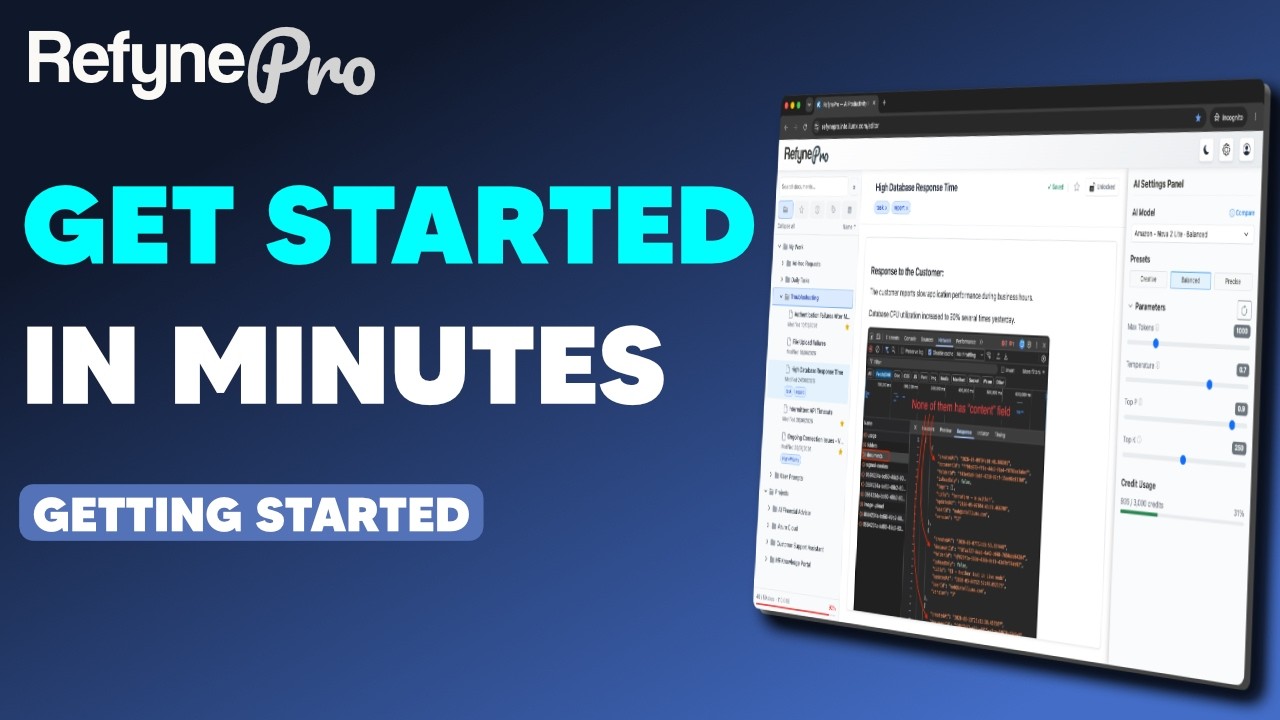
Prefer watching? Learn the RefynePro essentials with this three-part video series.
 Part 1
Create Your First Document
Learn the RefynePro interface, create your first document, and understand how your work is saved.
Watch on YouTube
Part 1
Create Your First Document
Learn the RefynePro interface, create your first document, and understand how your work is saved.
Watch on YouTube
 Part 2
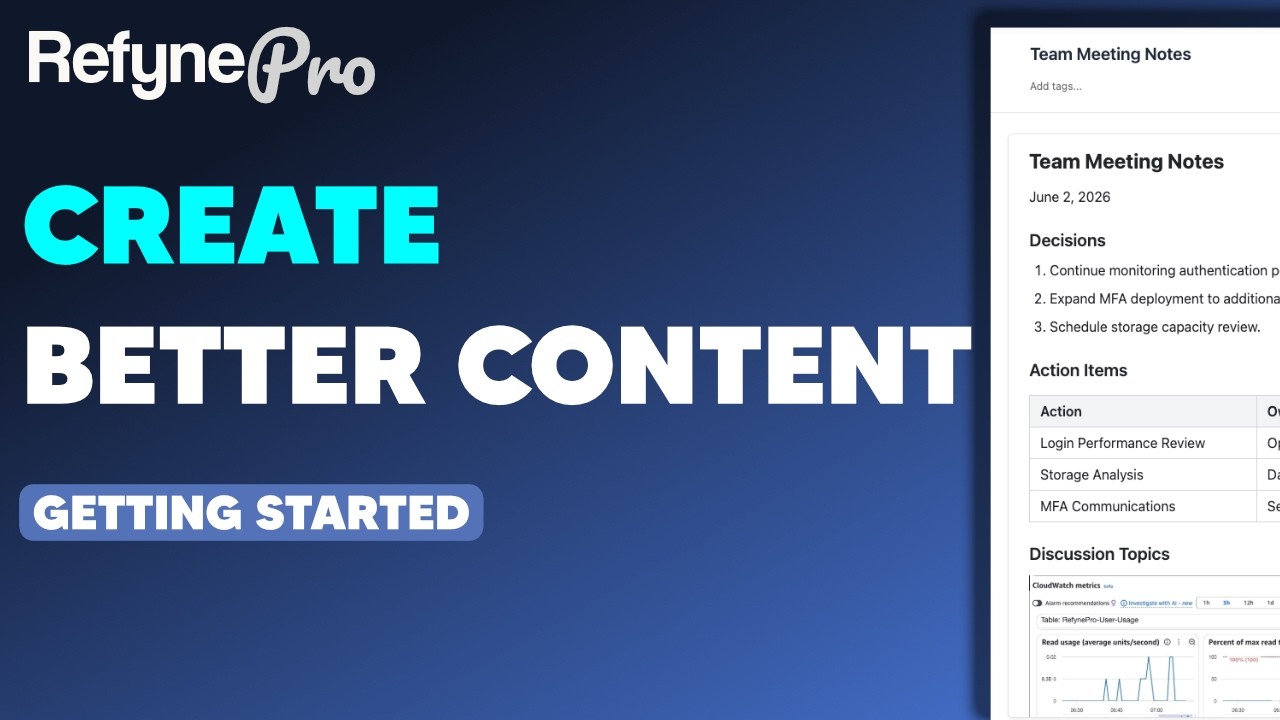
Format Content & Add Images
Create clearer, more engaging documents using text formatting, links, and images.
Watch on YouTube
Part 2
Format Content & Add Images
Create clearer, more engaging documents using text formatting, links, and images.
Watch on YouTube
 Part 3
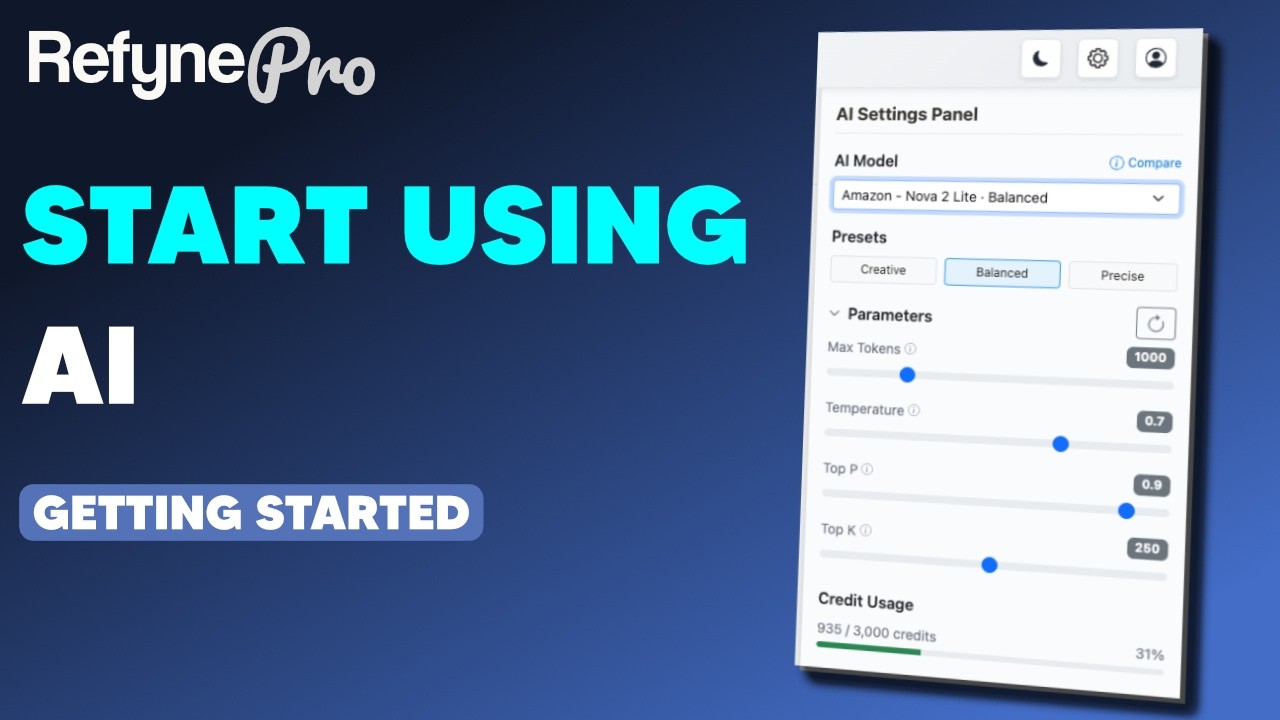
Use AI in RefynePro
Explore built-in AI actions, write custom prompts, and choose the right AI model.
Watch on YouTube
Part 3
Use AI in RefynePro
Explore built-in AI actions, write custom prompts, and choose the right AI model.
Watch on YouTube
Prefer written instructions or need more detail? Browse the step-by-step guides below.
9 articles
- Start Here Get to know the RefynePro Editor Tour the main areas of the RefynePro Editor and learn where to find its essential controls. →
- Create your first document Make a document in RefynePro, write something in it, and watch it save itself. →
- Add content to a document Type, paste text and images, and use shortcuts to build up a document in RefynePro. →
- Use a built-in AI action Improve, summarise, simplify or change the tone of any text, and choose whether to keep the result. →
- Write a custom AI prompt Tell the AI exactly what to do with your selected text when none of the built-in actions fit. →
- Choose an AI model Switch between AI models and adjust how creative or precise their answers are. →
- Format text Make text bold, add headings, colours and links using the toolbar that appears when you select text. →
- Add images Paste images into a document, resize them, and view them full screen. →
- Save your work RefynePro saves automatically. Here is how to read the save status and avoid losing recent edits. →

Daily Operations
Organise and navigate your documents efficiently every day.
Quick Start Videos
Prefer watching? Learn daily operations with this three-part video series.
 Part 1
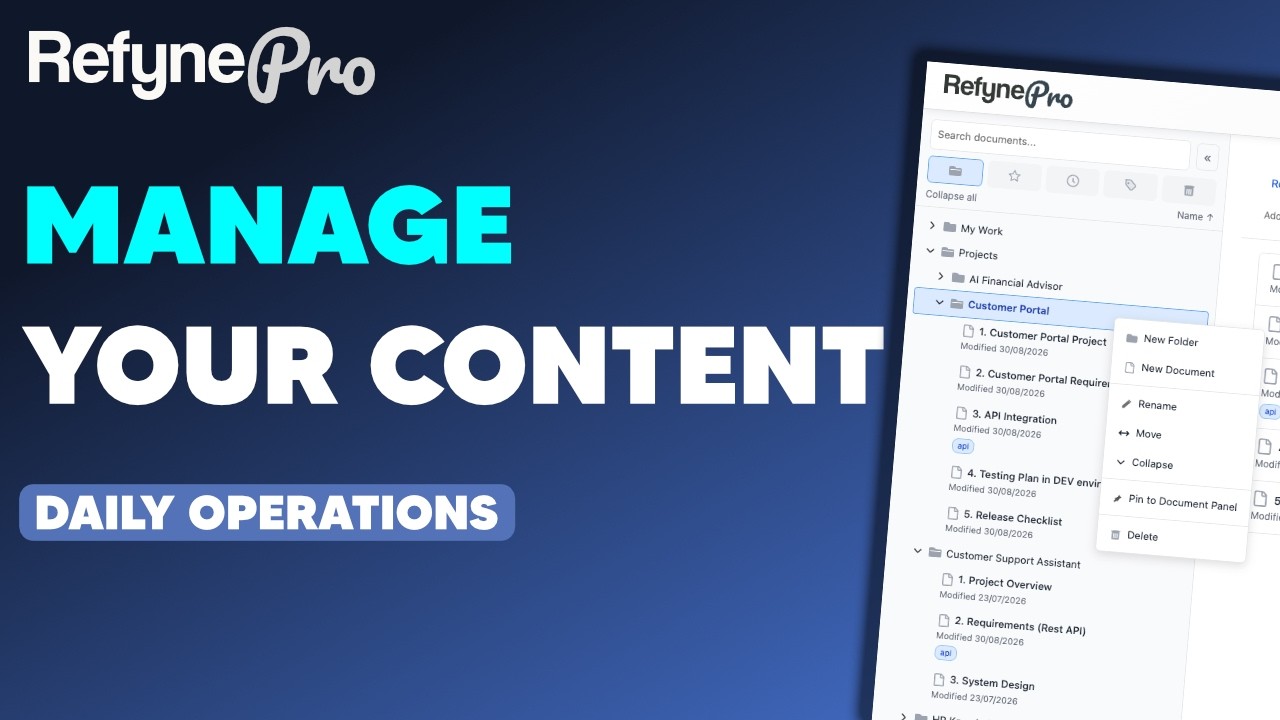
Manage Documents & Folders
Create, move, rename, and delete documents and folders to keep your workspace organised.
Watch on YouTube
Part 1
Manage Documents & Folders
Create, move, rename, and delete documents and folders to keep your workspace organised.
Watch on YouTube
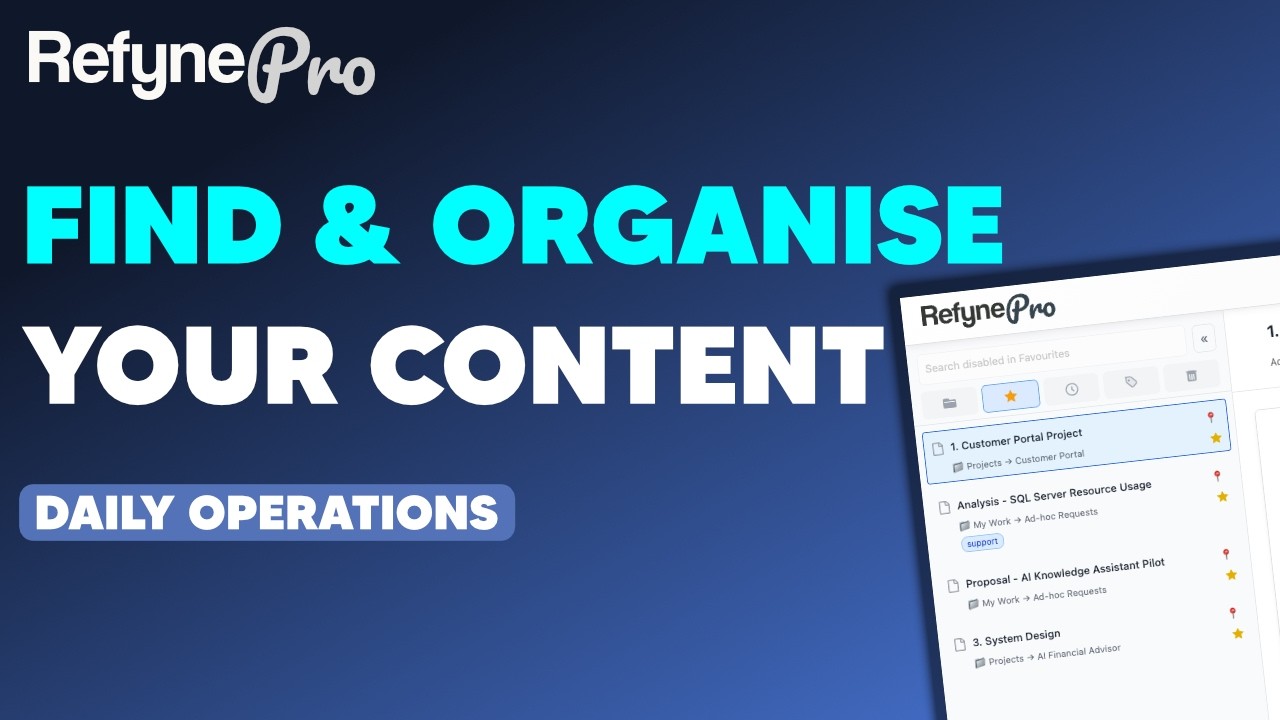 Part 2
Find & Organise Your Content
Use search, tags, favourites, and pins to quickly find and organise your documents.
Watch on YouTube
Part 2
Find & Organise Your Content
Use search, tags, favourites, and pins to quickly find and organise your documents.
Watch on YouTube
 Part 3
Create Advanced Documents
Work with tables, code blocks, and document locking for more structured content.
Watch on YouTube
Part 3
Create Advanced Documents
Work with tables, code blocks, and document locking for more structured content.
Watch on YouTube
Prefer written instructions or need more detail? Browse the step-by-step guides below.
12 articles
- Create a folder Group related documents together by creating a folder, at the top level or nested inside another folder. →
- Create a document Add a new document to your workspace, either at the top level or inside a particular folder. →
- Move documents Move one document or several at once into a different folder, by menu or by dragging. →
- Move folders Move a folder and everything inside it into another folder, or back out to the top level. →
- Rename and delete items Rename a folder or document, and move things you no longer need to the trash. →
- Restore items from trash Bring back a deleted document or folder, or clear the trash for good. Items are kept for 7 days. →
- Find your documents Search by name or tag, jump back to what you were working on, and reveal a document in its folder. →
- Organise with tags Label documents and folders with tags so you can group things that live in different folders. →
- Favourite a document Star the documents you return to often so you can reach them in one click. →
- Pin a folder to the Document Panel Keep the folders you use most at the top of the Document Panel, above the rest of the tree. →
- Insert tables, code and quotes Use the insert menu to add a table, code block, quote, list or divider to your document. →
- Lock and unlock a document Make a finished document read-only so you cannot change or delete it by accident. →

Account & Billing
Manage your account security, credits, and subscription.
Quick Start Videos
Prefer watching? Learn account and billing management with this video.

Prefer written instructions or need more detail? Browse the step-by-step guides below.
4 articles
- Set up two-factor authentication Add a second step to sign-in using an authenticator app, so a password alone is not enough. →
- Credits and token usage See how many credits you have left, and understand what each AI action costs. →
- Subscription View and manage your RefynePro subscription plan. →
- Delete your account Learn how to close your RefynePro account permanently or restore it within 30 days. →