Tags let you group things that sit in different folders — everything for one client, say, or everything still in draft.
Steps
-
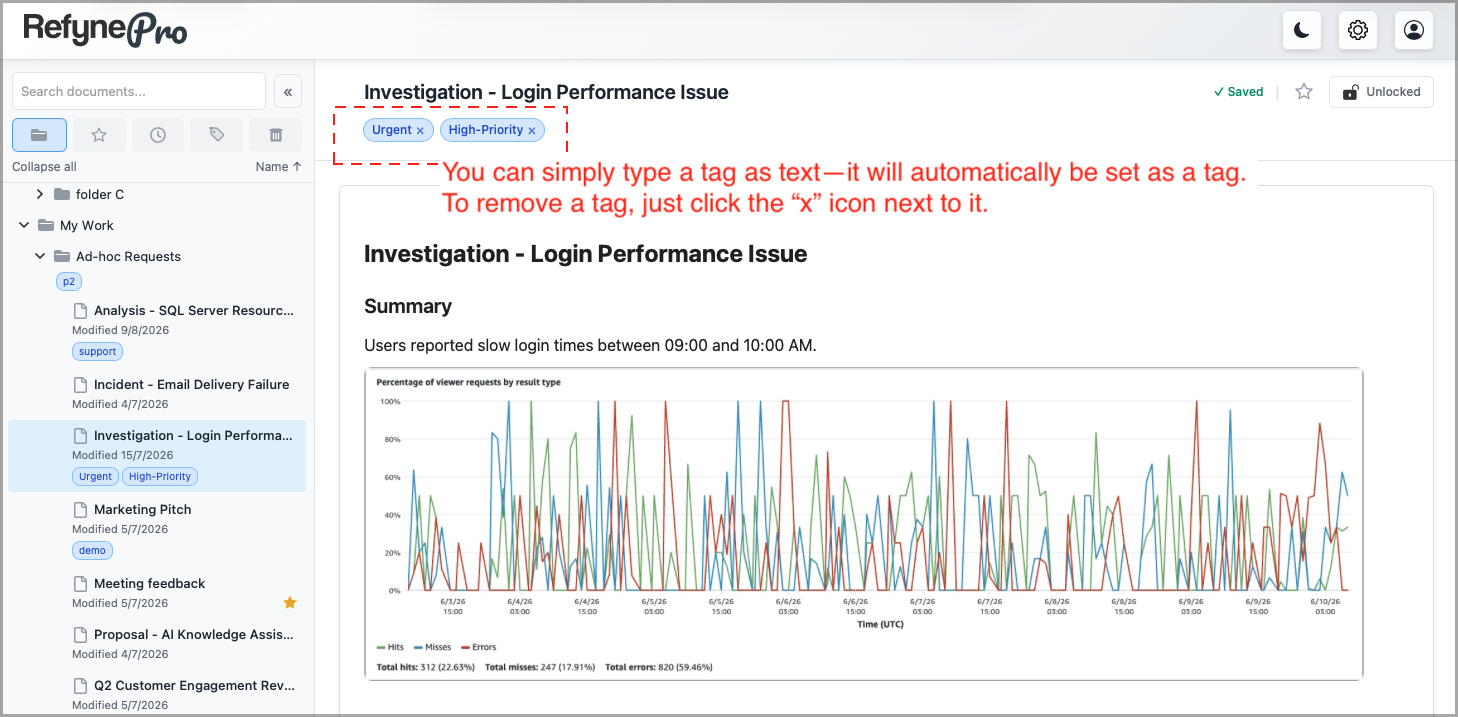
Open a document. Below the title you will find a box reading Add tags…
-
Type a tag and press Enter or type a comma. Repeat for as many tags as you need.
-
To remove a tag, click the × on it, or press Backspace when the box is empty.
As you type, RefynePro suggests tags you have used before. Picking a suggestion keeps your tags consistent, which matters when you filter by them later.
Filtering by tag
Click Tags in the Document Shortcuts to see every tag you have used. Click tags to filter. With two or more selected, a Match control appears so you can choose between showing items with all of the selected tags or any of them.
Other ways to do this: folders can be tagged too. Open a folder in the Workspace and use the tag box beside its name.